
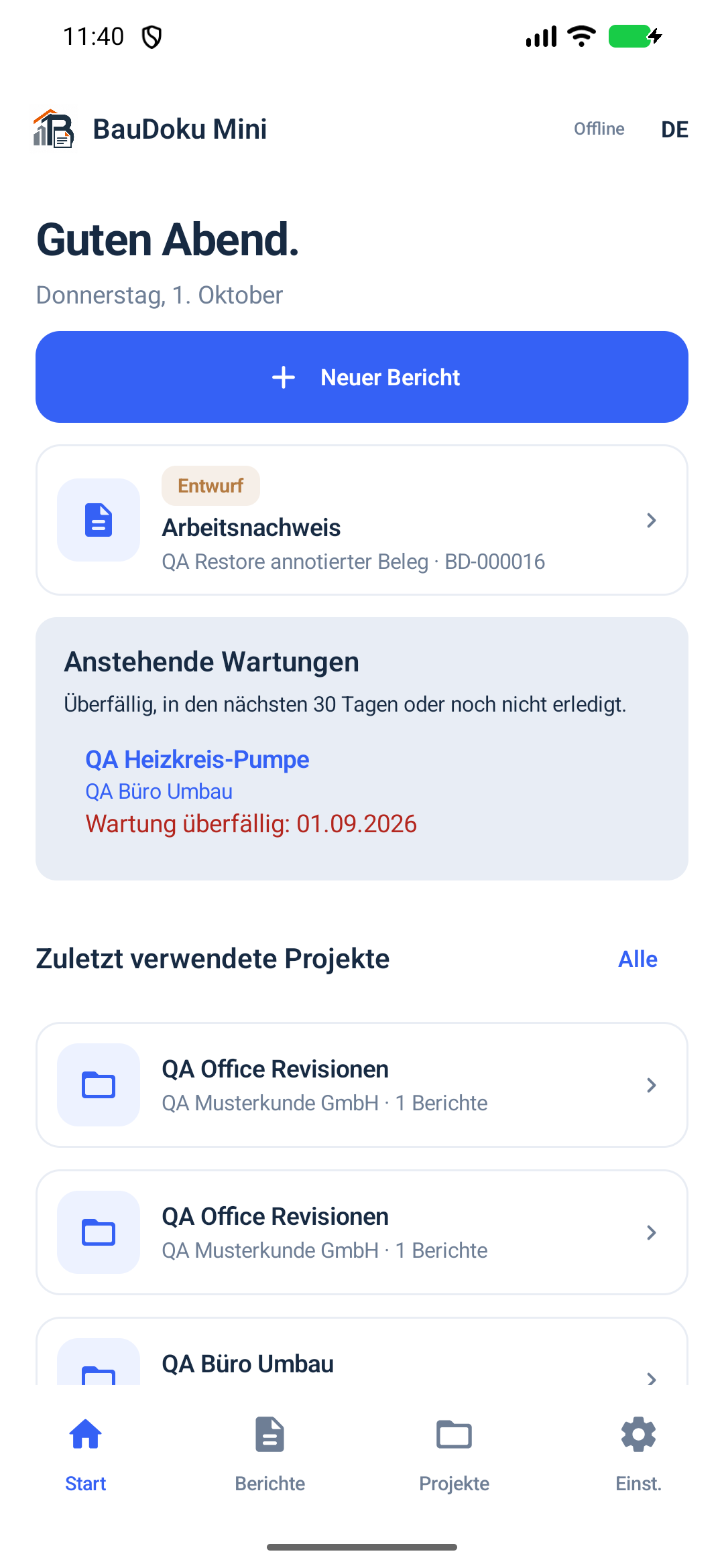
Right there on site.
The Android app supports your work on site. All key details stay with the report and its local project.
- Create reports offline
- Photos, measurements and checklists
- PDFs with company and customer signatures
Create construction and service reports on Android, keep data locally and explicitly share finished PDFs. The Windows companion is being prepared and requires an entitled Android app.
Reports and business files stay local. Google Play and support you choose to open need internet; the planned Windows licence must be renewed at least every 24 hours.
Record work, hours, materials and photos directly on site or during a service visit – even offline.
Add company and customer signatures. Check the PDF preview and export the finished version when you choose.
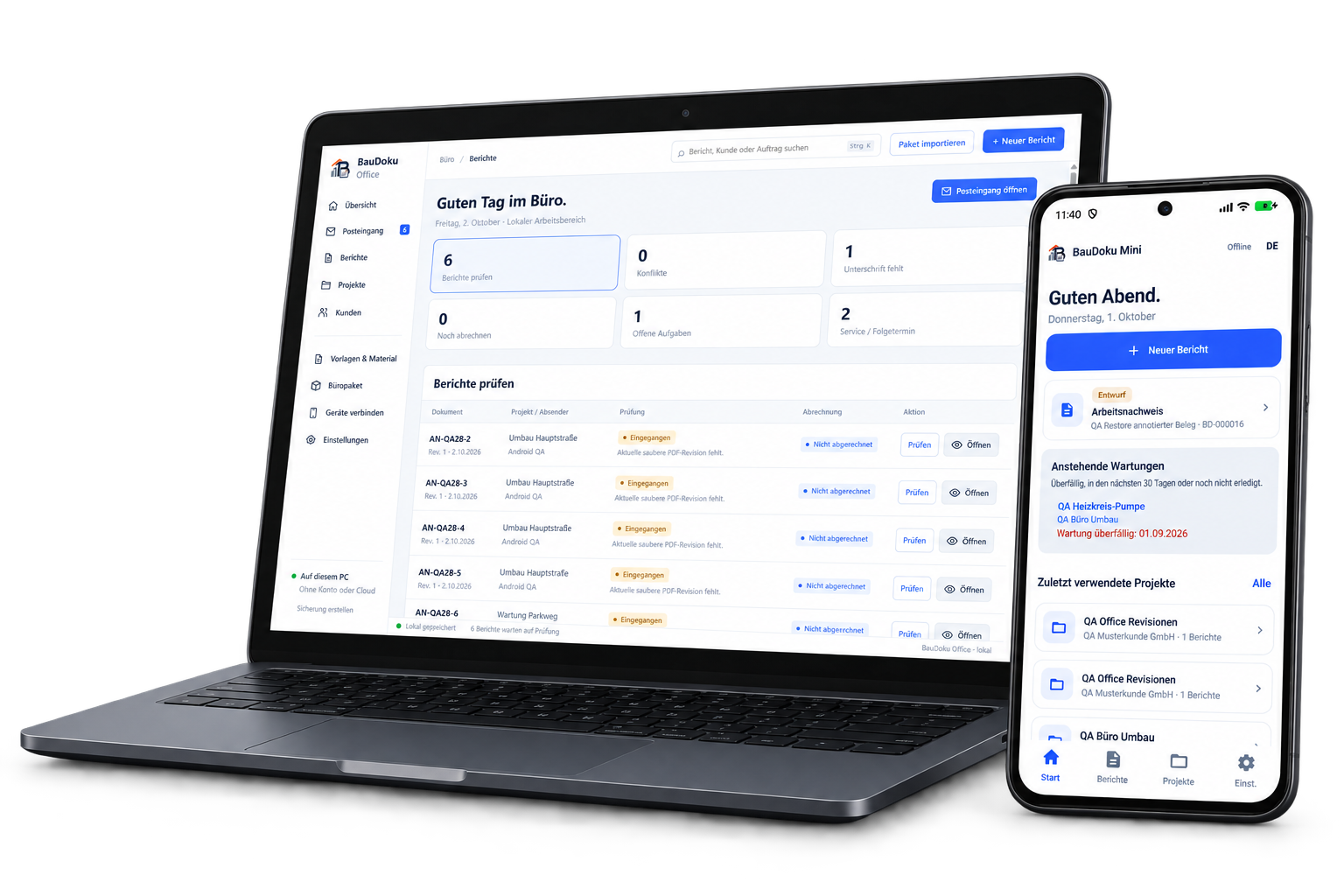
Bring selected reports into your Windows office, review them, assign them to projects and analyse them.
Document on site. Keep an overview in the office.
The Android app supports your work on site. All key details stay with the report and its local project.
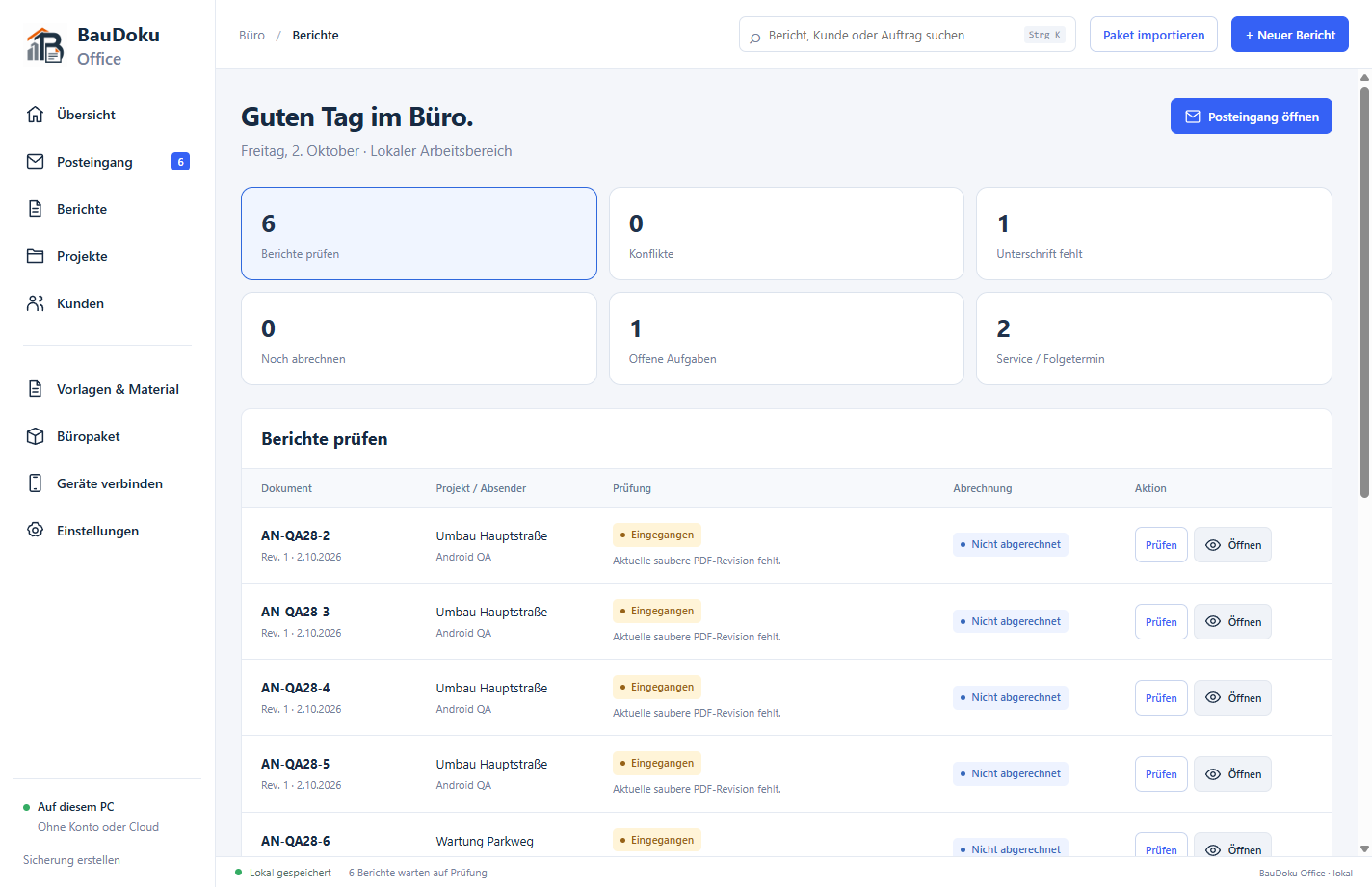
BauDoku Office for Windows is being prepared and is not publicly available yet. The office features described show the development version; no Windows download or Store release is offered here yet.
The right record for every job – captured in a structured format and documented as a PDF.
Record the day, weather, team, progress and obstacles for internal use.
Read the guideDocument additional work with its reason, time, materials and confirmation.
Read the guideDocument checks, outcome, outstanding work and signatures at handover.
Read the guideInstall Android through Google Play and learn the requirements for the Windows companion, which is not publicly released yet.
Choose Atlas, Klassik or Kontor on Android and Windows. Adjust your company logo, header, photo layout and footer in PDF settings. Preview, save your choice and create new documents: saved PDFs keep their original revision.
Step-by-step guides for Android, Windows, PDFs, device connections and backups — in the same help center as the support chat.