
Customer and job
Record the customer, work location and date, with an order number or customer reference where needed.
Record the work you carried out for your customer. BauDoku Mini brings the description, working time, materials and confirmation together in a PDF.
A work report, or Arbeitsnachweis in German, helps small trade, installation and service businesses document a visit. Record the customer, work location, date and actual work carried out. An order number or customer reference makes the report easier to assign in the office.
Choose an existing customer or project and enter the details of this visit. Save a draft until the description, time entries and supporting evidence are complete.
Time, materials and evidence stay with the same report.
Record the customer, work location and date, with an order number or customer reference where needed.
Enter a person or group, number of people, start, end and break. The entries calculate net time and person-hours.
Describe the work and list materials with a name, quantity and unit. You can also add material notes.
Add photos, a customer note and separate company and customer signatures with names and roles.
Check the current content before confirming it and exporting a PDF.
Assign the customer and job. Explain exactly what was done and add photos when they help show the result.
Enter working time including breaks and the materials used. Check the quantity and unit of each material entry.
Add the intended signatures, open the PDF preview and start the export or sharing action yourself.
The PDF summarises the work documented for your customer. In Windows Office you can create your own reports or import Android reports, review them and assign them to a project. Hours and material summaries support further internal office work.
A work report is not an automatically generated invoice. Exporting also does not mean a document has been sent. Existing PDF versions stay in the local history; back up your business data regularly.
Android for field work. The Windows companion is being prepared and requires an entitled Android app; it is not offered for standalone use without Android.
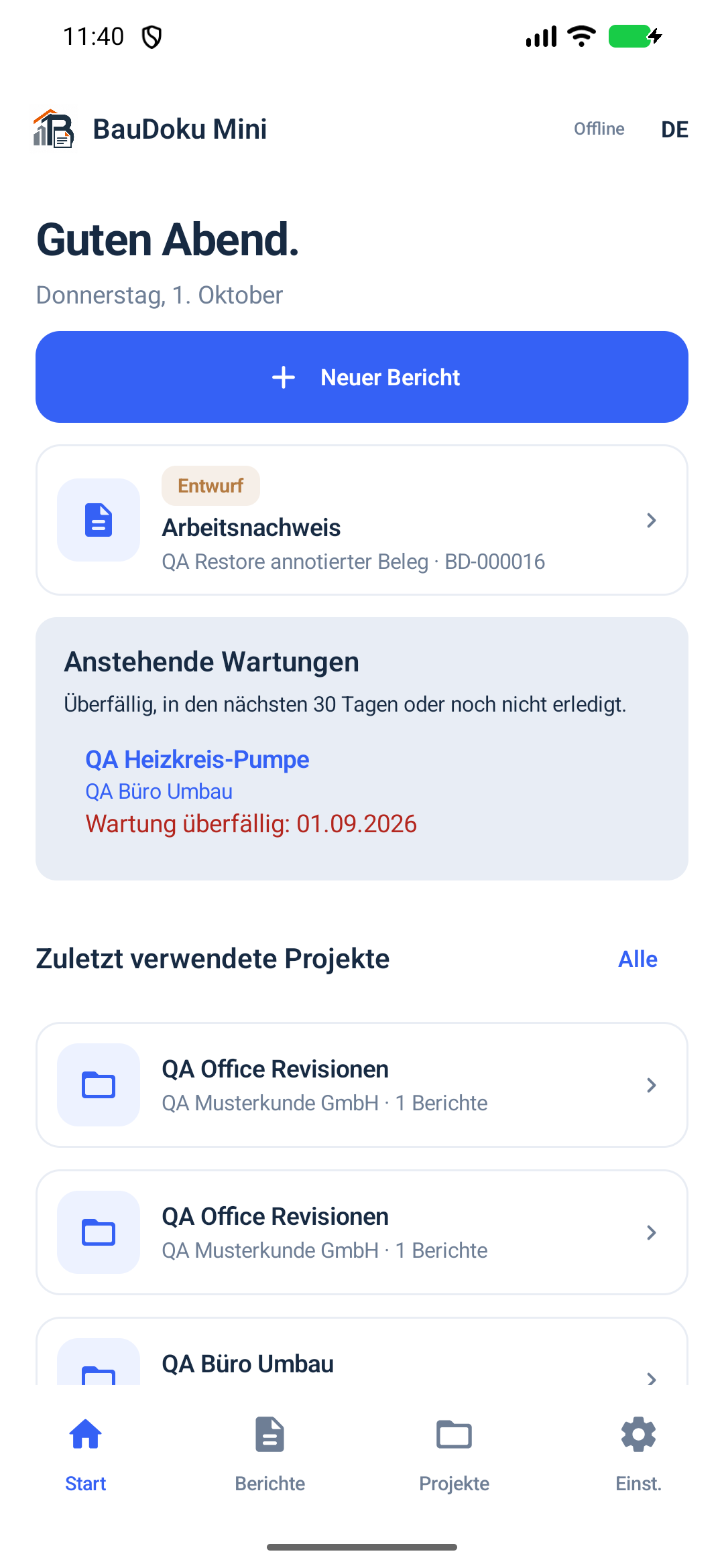
Record the visit on site, show the report and capture the customer's handwritten signature directly on the device.
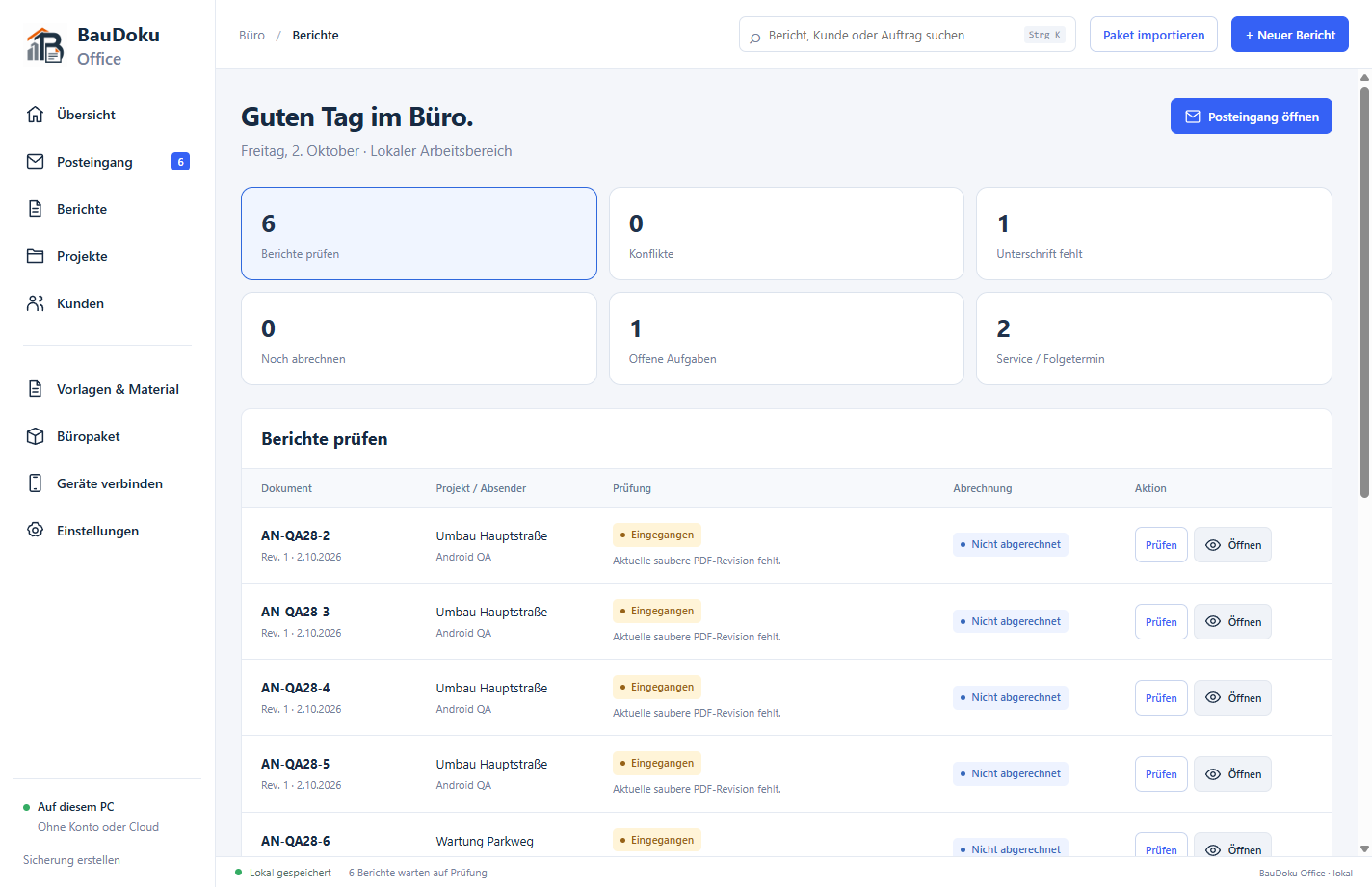
BauDoku Office for Windows is being prepared and is not publicly available yet. The office features described show the development version; no Windows download or Store release is offered here yet.
No. Visit duration describes a period of time. Person-hours also account for the number of people and breaks. For example, two people each working seven net hours produce 14 person-hours.
Before PDF export, the Android app warns that the customer signature is missing and requires an explicit decision to continue. It does not replace the missing signature with automatic confirmation.
Changing the report content invalidates its current signatures; the previously exported PDF version remains available. Editing after export on Android also depends on the existing plan.
Reusable details help with the next job, while current times and results are entered for the new visit.
Install Android through Google Play and learn the requirements for the Windows companion, which is not publicly released yet.