
Equipment and task
Link a local equipment card or enter the equipment, manufacturer, model, serial number and order reference in the report.
Record the equipment you inspected, your findings and the outcome of the visit. BauDoku Mini turns the details into a clear service report as PDF.
For plumbers, electricians and small service firms, a useful report starts with identifiable equipment and a clear task. Enter the customer, project or work location, equipment, model and a serial number where appropriate. Choose repair, maintenance or installation as the visit type.
Describe the problem, diagnosis and completed work separately. Record unfinished work too: a spare part still needed or a pending check should remain visible for the next visit.
Equipment details, technical evidence and the current state of work stay together.
Link a local equipment card or enter the equipment, manufacturer, model, serial number and order reference in the report.
Record the fault, findings, completed work and materials or spare parts with quantities and units.
Add measurements with units, checklists and photos. Before-and-after images help explain the change you documented.
Select the visit outcome, record the functional check and add recommendations or the next service date.
A saved draft can be completed later before you export a finished PDF version.
Choose the customer, project and an existing equipment card where useful. Record the reason for the visit and the initial condition.
Document the diagnosis, work and spare parts. Add photos or measurements and enter the actual result of the functional check.
Mark completed or outstanding work, add signatures and check the PDF preview before starting the export.
Local equipment cards in a project hold the model, serial number, location and service interval. Linked service reports show previous visits. The start overview highlights due services and unfinished visits; it does not send background notifications.
You can begin a linked service draft from outstanding work for a further visit. Enter new results, photos and signatures for the current visit. Previous PDF versions remain available. Regular local backups help protect against losing the device or user profile.
Android for field work. The Windows companion is being prepared and requires an entitled Android app; it is not offered for standalone use without Android.
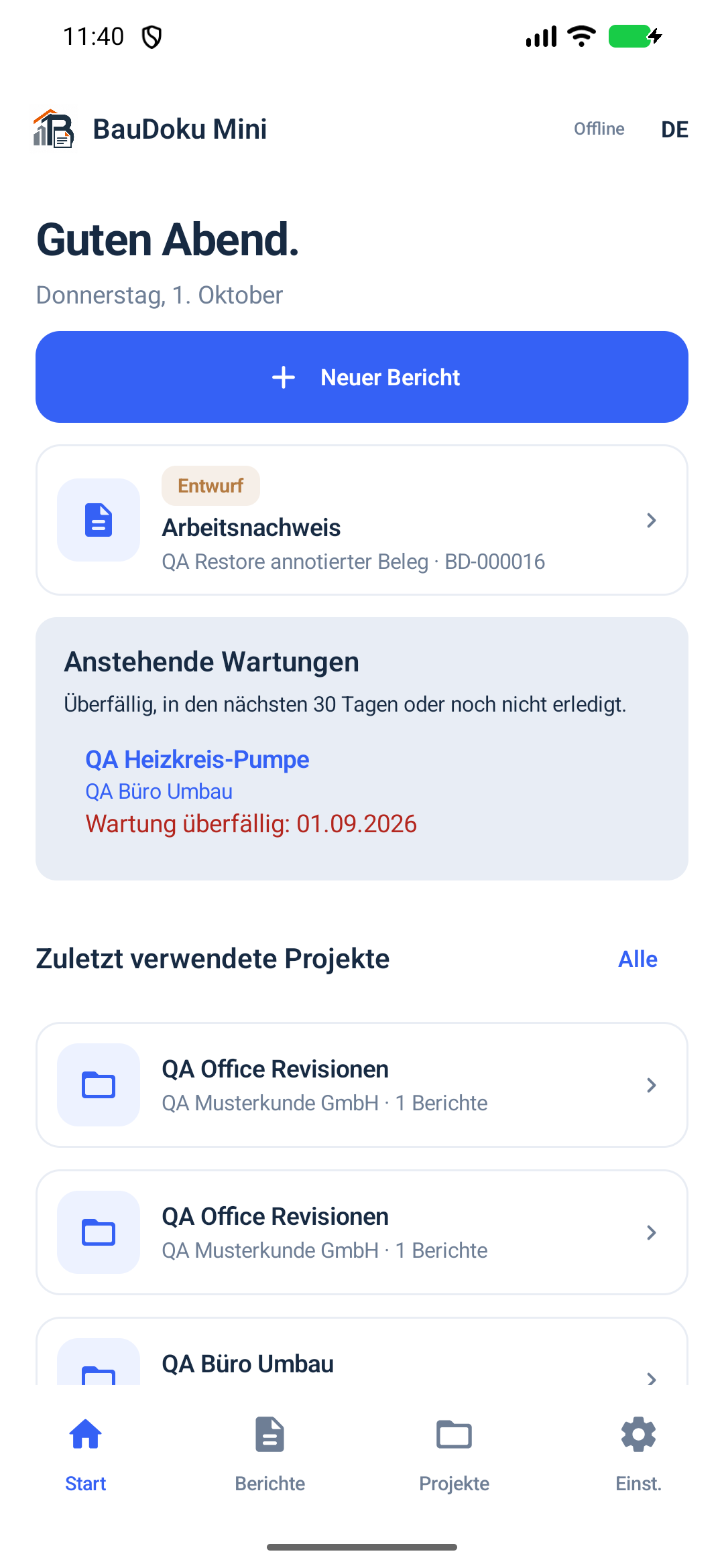
Document the diagnosis and work by the equipment. Photos, measurements and signatures stay with the locally saved report.
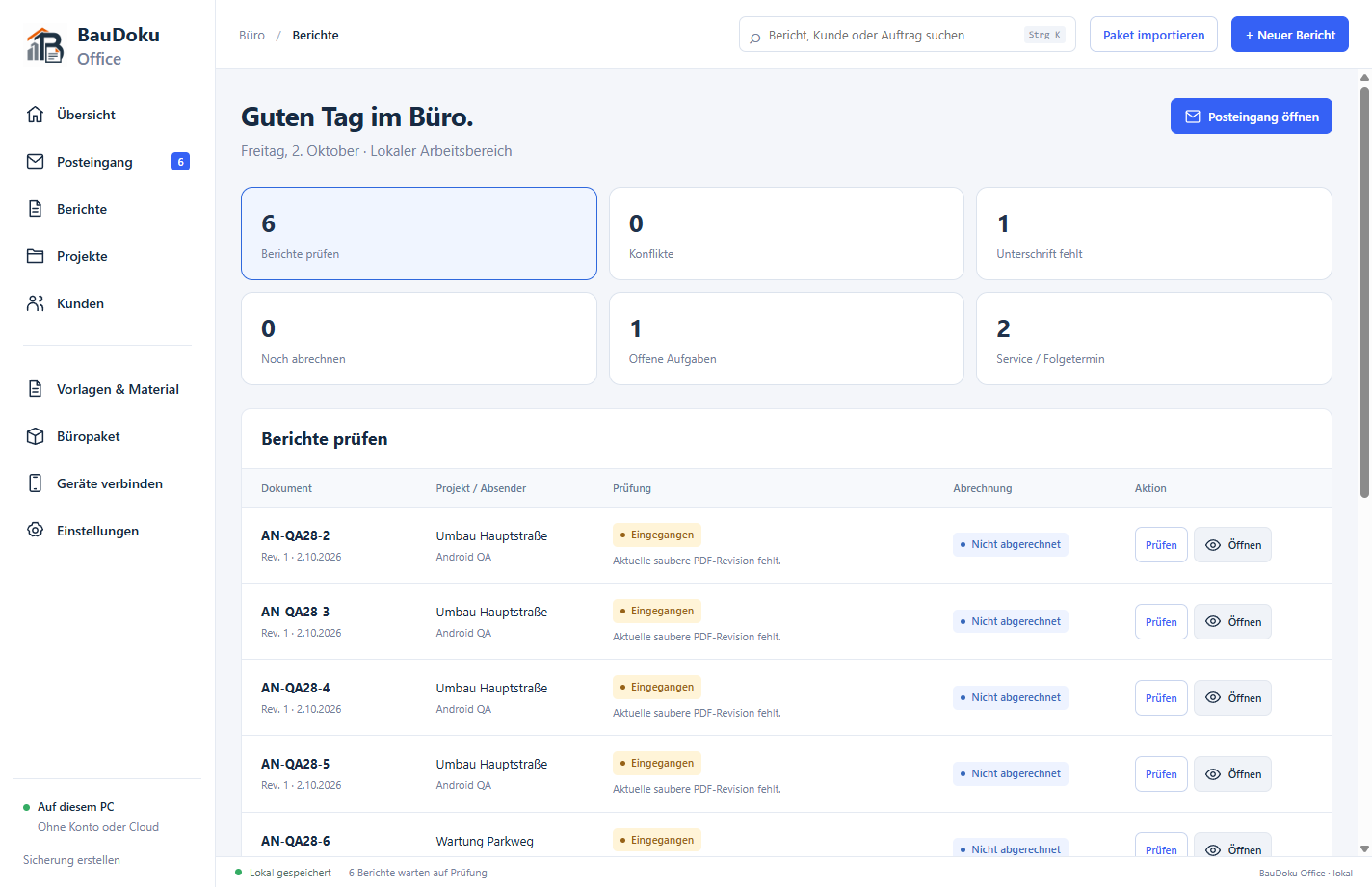
BauDoku Office for Windows is being prepared and is not publicly available yet. The office features described show the development version; no Windows download or Store release is offered here yet.
Yes. The outcome can be partially completed, not completed or waiting for a spare part. Recommendations and next steps explain what remains; outstanding work stays visible in the local overview.
No. Equipment details can be entered directly in the report. A linked equipment card helps when you regularly service the same equipment and want its history or service interval in the project.
No. Reports are stored locally. You choose when to export PDFs, where to put backups and whether to transfer selected data between Android and Windows. That connection is not automatic cloud synchronisation.
Explore equipment cards, project attachments, templates, photos, checklists and measurements.
Install Android through Google Play and learn the requirements for the Windows companion, which is not publicly released yet.