
Project, date and team
Assign the report to a site, record the people involved and add the start and end of the working day.
Record the working day on site using Android or at your Windows PC. BauDoku Mini brings project details, completed work and supporting evidence together in a clear PDF.
A daily construction report, known in German as a Bautagesbericht, records the progress of a project for one day. Small construction firms, tradespeople and team leaders can use it to explain what was completed, who took part and what delayed the work.
Select the project and date, describe the work clearly and add weather, working times or materials where they matter to the day. Save a local draft if some details still need to be added.
Keep the main form simple and add supporting evidence where it helps.
Assign the report to a site, record the people involved and add the start and end of the working day.
Describe progress separately from problems and delays. Weather, materials and equipment provide additional context.
Add photos with descriptions. Optional checklists and measurements can document particular steps in more detail.
Add a signature if needed, review the PDF preview and deliberately export the completed document.
The core report and PDF workflow works without an internet connection.
Use an existing project or enter the site details. The date and completed work are the core of the report.
Add the team, times, weather, interruptions and photos. Save a draft whenever more information is still needed.
Check the text and images in the PDF preview. You start the export and choose the destination for sharing.
The local project gives you access to its reports and saved PDF versions. You can compare a later day with earlier work without searching through a paper folder.
Data stays on the respective device. Make regular backups to a location you choose. Transferring selected Android reports to Windows is an optional action that you start explicitly; there is no automatic cloud synchronisation.
Android for field work. The Windows companion is being prepared and requires an entitled Android app; it is not offered for standalone use without Android.
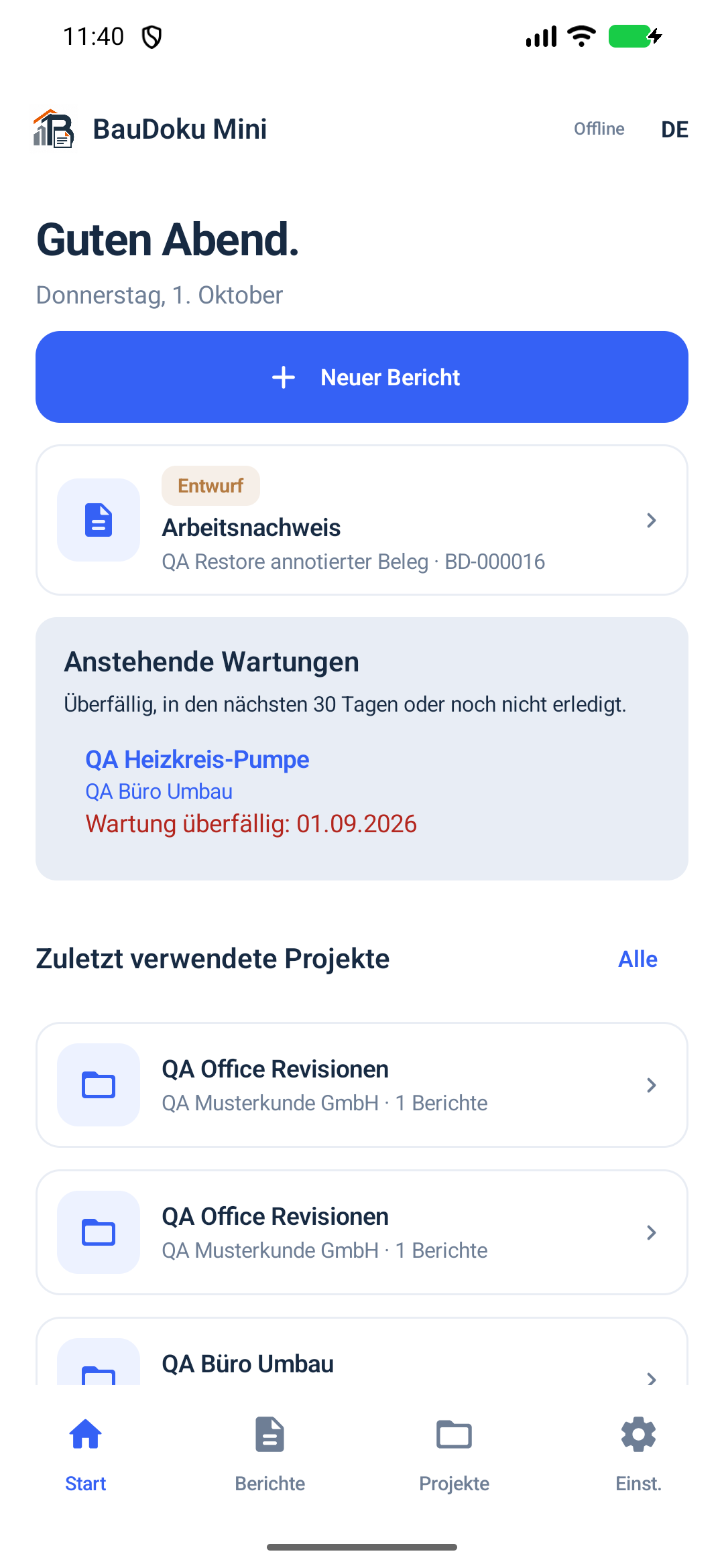
Record the day where the work happens and add photos and signatures on the device.
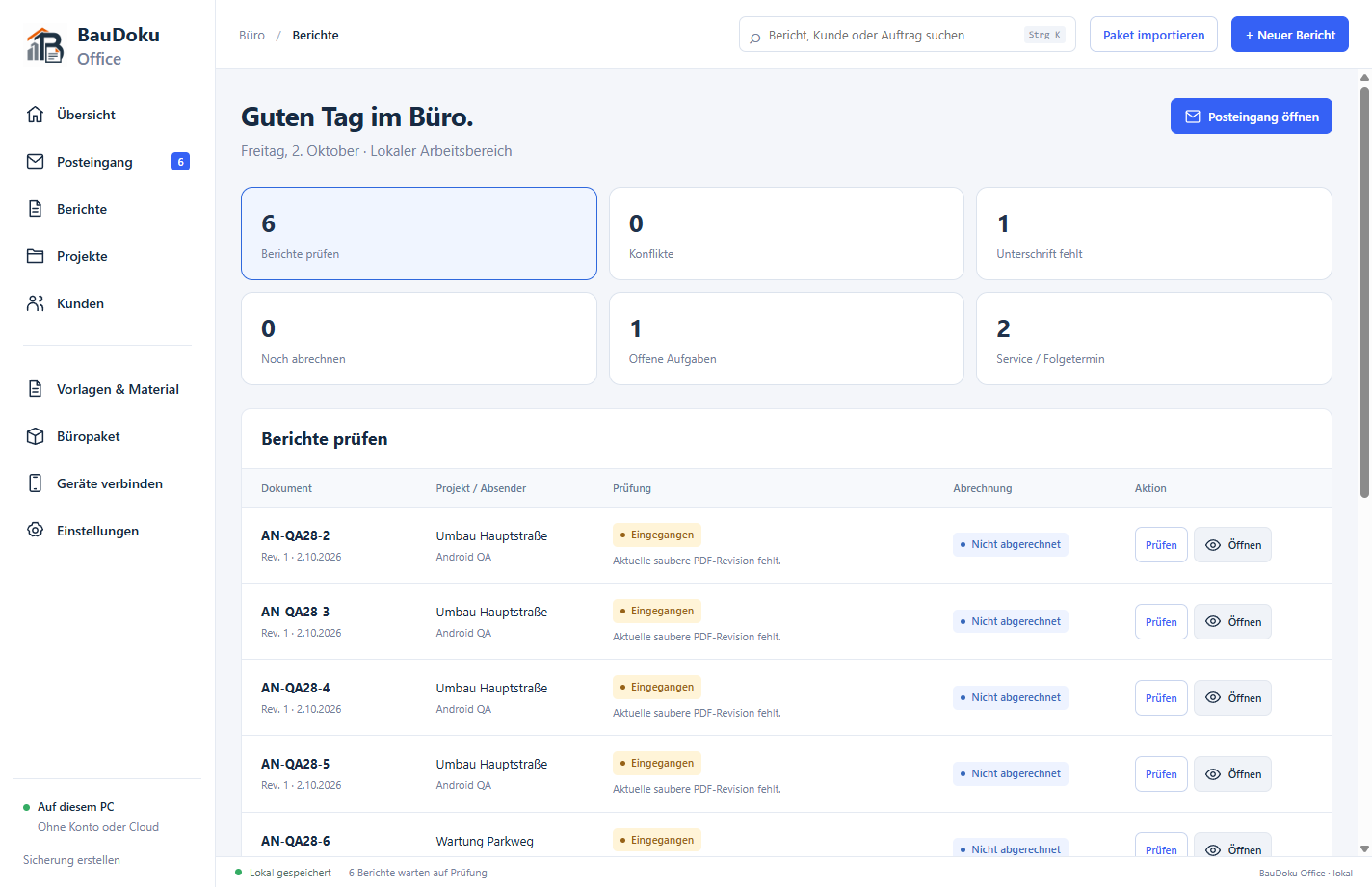
BauDoku Office for Windows is being prepared and is not publicly available yet. The office features described show the development version; no Windows download or Store release is offered here yet.
Yes. Report entry, local drafts and PDF creation work offline. Downloads, Google Play purchases and a transfer you start to a reachable Windows PC need the relevant connection.
Photos and a signature are optional for this report type. The project, date and completed work are the main required details. Add evidence when it helps explain what happened during the day.
The German-language forms can be used for business documentation in Germany, Austria and Switzerland. Check the information and retention requirements for your particular contract separately from the app.
Customers, projects, local templates, photos and backups support the next working day.
Install Android through Google Play and learn the requirements for the Windows companion, which is not publicly released yet.