
Drafts and reports
Save reports and continue later, using the relevant fields for each document type.
Use BauDoku Mini to record construction and service work on Android. Customer details, project files, photos, checklists, measurements and signatures are managed locally. You decide when to export a PDF or data package.
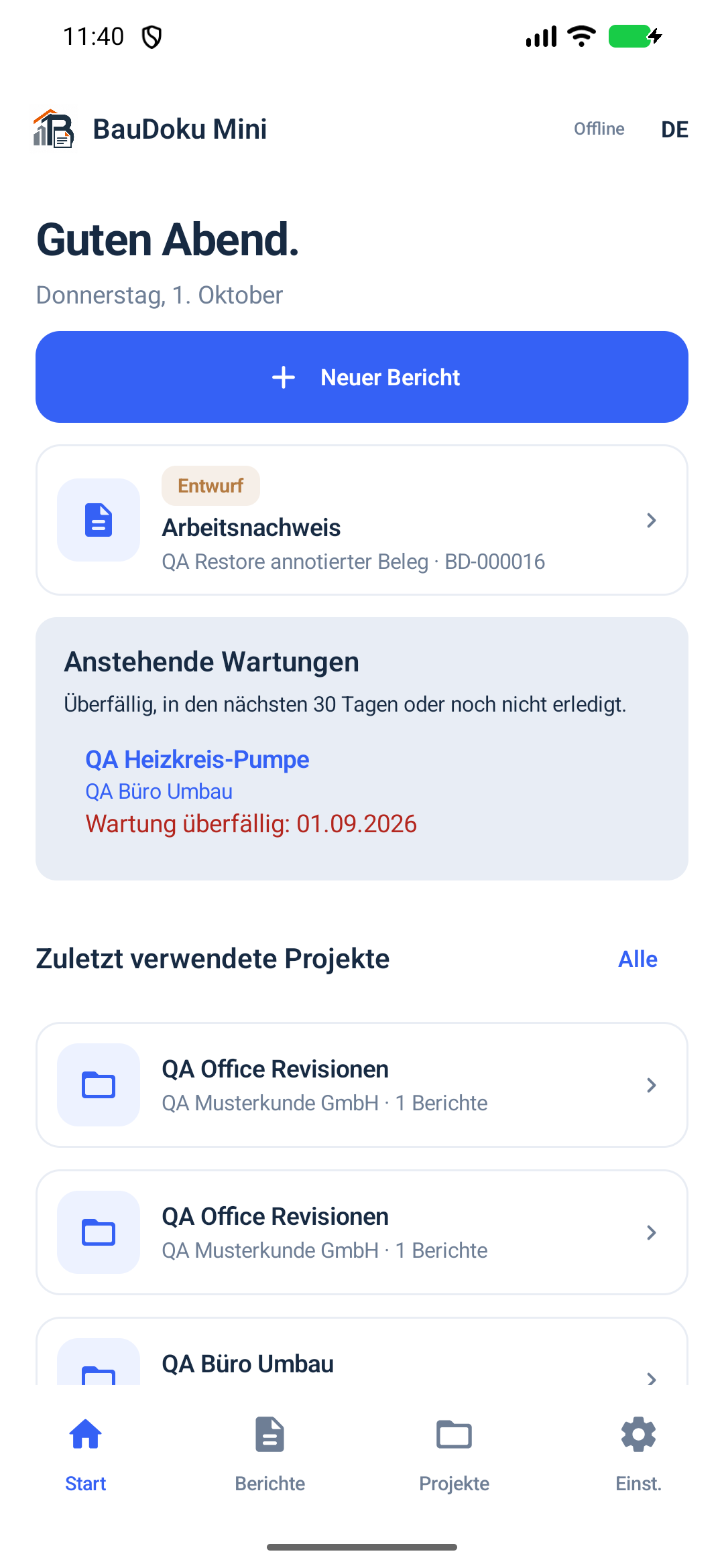 App interface with sample data
From the first draft to the finished PDF: keep your work, evidence and project information together.
Save reports and continue later, using the relevant fields for each document type.
Bring reports, shared photos, PDFs, equipment, service visits and attachments together by project.
Maintain local report templates and material/unit catalogues for recurring entries.
Associate structured working time and break entries with reports.
Record materials with quantities and units in work and service reports.
Add photos, create before-and-after evidence and make annotated copies; original images are preserved.
Capture company and customer signatures separately, each with a name and role.
Document inspection points with a status, note and photo reference, and measurements with a unit and explanation.
Record project equipment with its model, serial number, location and service history; see due dates in the overview.
Add plans, manuals and job files to a project through the Android file picker.
Open generated document pages in the app and zoom in.
Export work and material summaries as CSV files, and selected PDFs as a ZIP.
Export a backup manually through the Android file picker and restore it when needed.
Choose German, English or Croatian for the app and for labels in newly generated PDFs and ZIP files.
Preview Atlas, Klassik and Kontor; save your logo, header, photo layout and footer for new PDFs.
Use the connection address or optionally scan the QR code, compare the code and explicitly approve the PC. The Windows version and activation are still being prepared.
Preview customers and projects prepared in Windows before confirming their import on Android.
Find open or planned work and create a follow-up report linked to the previous visit.
Saved PDFs remain as revisions. Changes to confirmed content require current confirmations to be reviewed again.
Contact MEA Support from the Android app and read replies in the same conversation. The chat uses our support API; messages are sent only after your explicit action. Support needs internet.
Open the BauDoku help centre from the app for instructions on reports, PDFs, projects, export and backup. Articles open in your browser.
You stay in control at every step.
Choose a report type and add site, work, time, material, supporting evidence and participant details.
View the PDF pages. A work record can flag a missing customer signature or require confirmation.
Export a PDF, ZIP or backup only when you initiate the action in the Android share dialog or file picker.
A look at the existing app with sample data: report creation, project files and an actual PDF preview.
Choose a report type and job.
Keep equipment, supporting documents, photos and outstanding work together.
View the generated pages before exporting.
Key information about usage and data.
Yes. Reports, project data and PDF generation work locally. Optional transfer to Windows requires a reachable network connection. Google Play purchases require a connection to Google Play.
No. PDF generation and sharing require an explicit user action through Android. There is no background upload.
German, English and Croatian. Labels in newly generated PDFs and ZIP files follow the selected app language; content you enter yourself is not translated.
After a 7-day trial, the Free plan allows up to five PDF/ZIP exports per month. Pro offers unlimited exports; purchases and availability are handled through Google Play. Prices are supplied there and may vary with the Play configuration.
Get BauDoku Mini for Android from Google Play. Check availability, the current version, offers and prices there and in the app. This website does not distribute debug APKs.
Check whether they cover the records you need each day.
Choose Atlas, Klassik or Kontor on Android and Windows. Adjust your company logo, header, photo layout and footer in PDF settings. Preview, save your choice and create new documents: saved PDFs keep their original revision.
Step-by-step guides for Android, Windows, PDFs, device connections and backups — in the same help center as the support chat.